
How-to guides
Invoke/Revoke a report
How to revoke a report
Updated 2026-08-16
- To invoke a report, click the play button on the Manage Report list page, Add recipients pop up will be displayed.
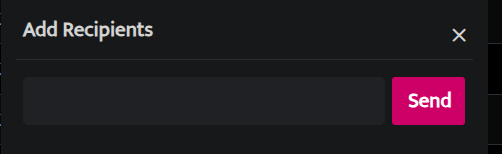
Enter an email address and click Send to invoke the report, a time indicator will be displayed indicating that the report is being executed in the background.
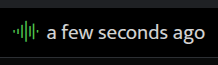
- Hover on this time indicator and a red cross mark will be displayed, click on the red cross mark.

- A pop-up will be displayed as follows
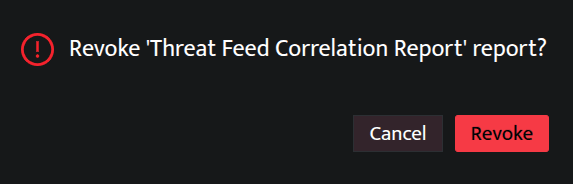
- Click Revoke to cancel the report from being executed or click Cancel to continue with the report.
Related
Was this page helpful?