
How-to guides
How to add a signal to a case?
Signal is an individual event that would be indicating any suspicious or malicious event, but by itself it is not an incident.
Updated 2026-08-15
Signal is an individual event that would be indicating any suspicious or malicious event, but by itself it is not an incident. A Collection of signals or a single signal with the highest severity is considered as an incident. Analysts do not have to investigate every single alert, the alerts generated are delegated to signal. Each signal has a name indicating the gist of the incident.
How to add a Signal to a Case?
- Click the Signals icon on the left navigation bar of the Home screen, the following screen will be displayed.
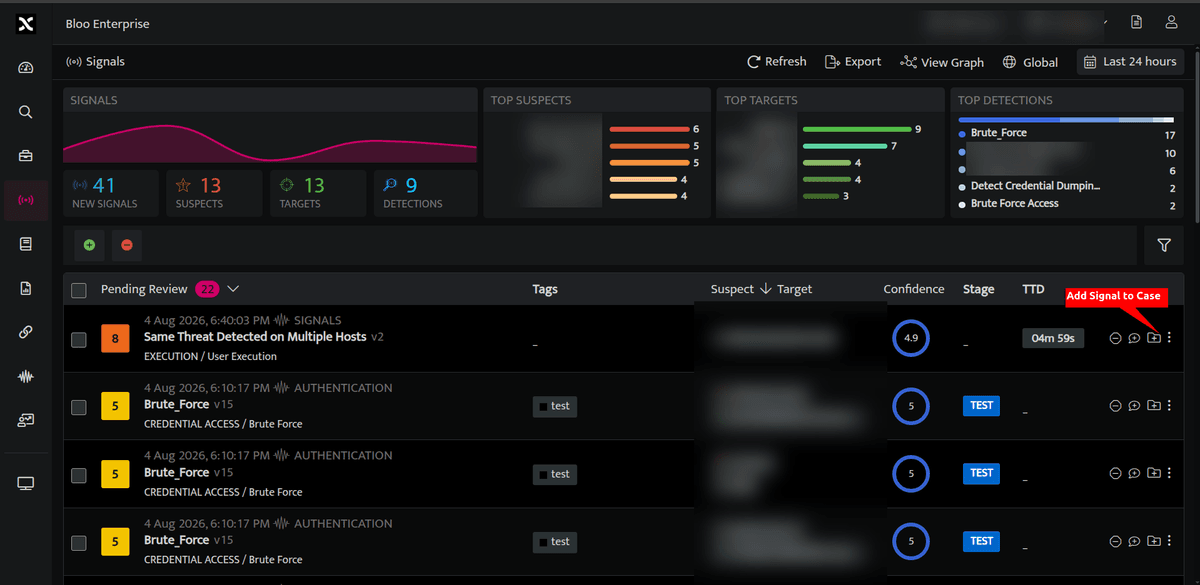
- Every signal can have cases assigned to it, select the case icon against the particular signal, the below screen will be displayed.
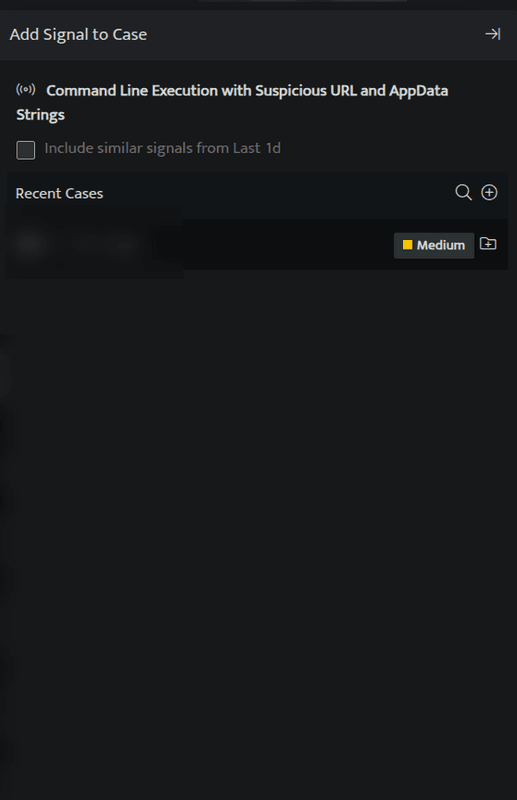
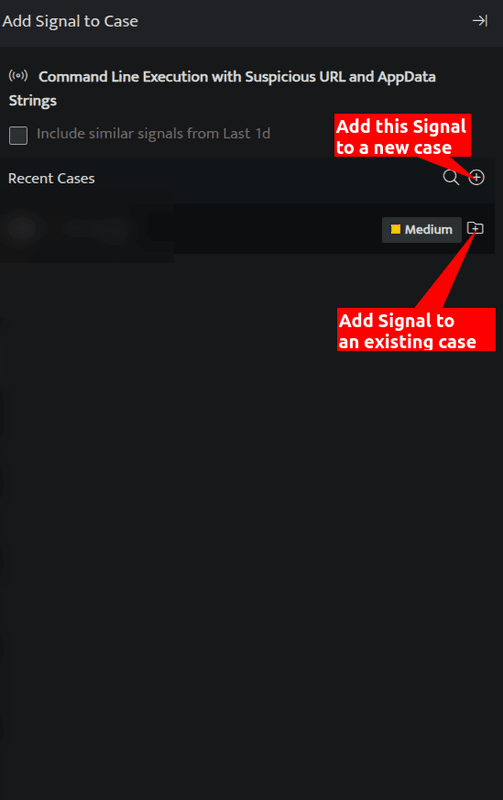
- You can add this particular signal to an existing case listed under Recent Cases or click the plus sign on the right side to add this signal to a new case.
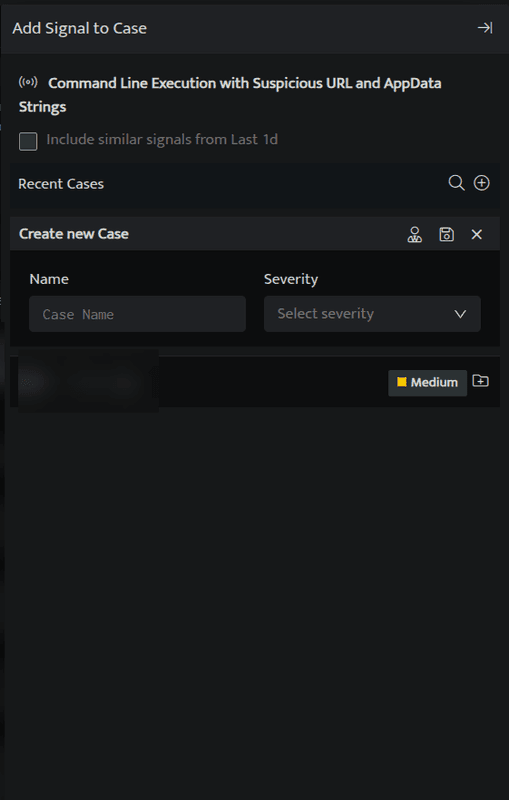
- On adding this signal to a new case, the following screen will be displayed
- Enter the following details
| Field | Description |
|---|---|
| Name | Enter a case name |
| Severity | Enter a severity level for the signal |
 |
Click and select the handler/user who will investigate the case from the dropdown. |
- Enter the above details and click Save, the signal will be listed under that particular case.
A signal can be assigned to multiple cases.
Related
Was this page helpful?