
Troubleshooting
Connector Validation
How Bloo validates connector configuration and where to see the validation status.
Updated 2026-08-17
Connector Validation
Automation Guide for Bloo
1. Overview
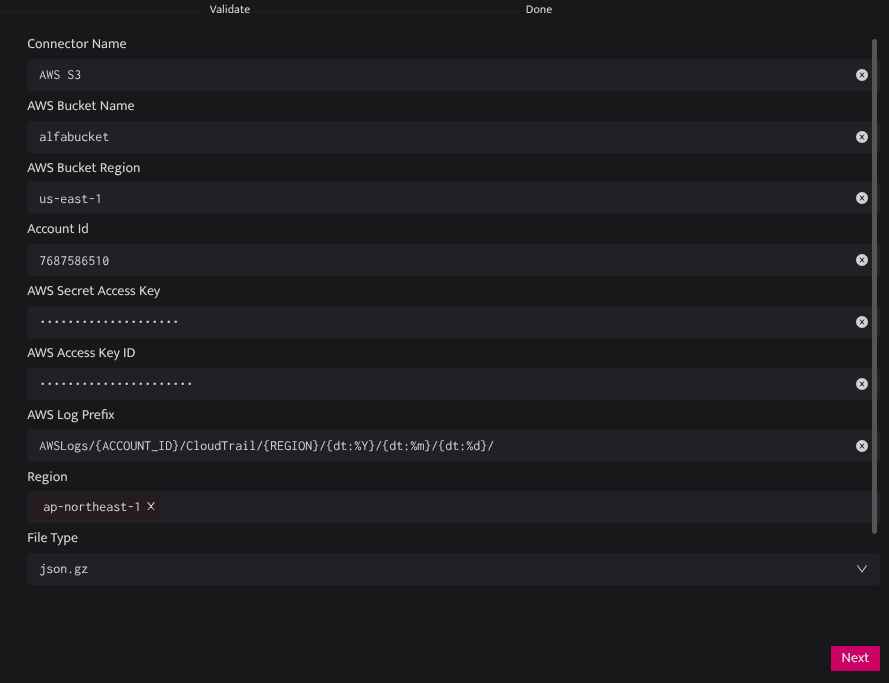
On configuring a new connector and saving it, Bloo automatically validates the configuration details that are added. To view the validation output, re-open the configuration of the newly added connector and the validation status will be displayed at the top of the connector form as below.
2. Validating On Demand
Validate the configuration on demand by editing and saving the connector.
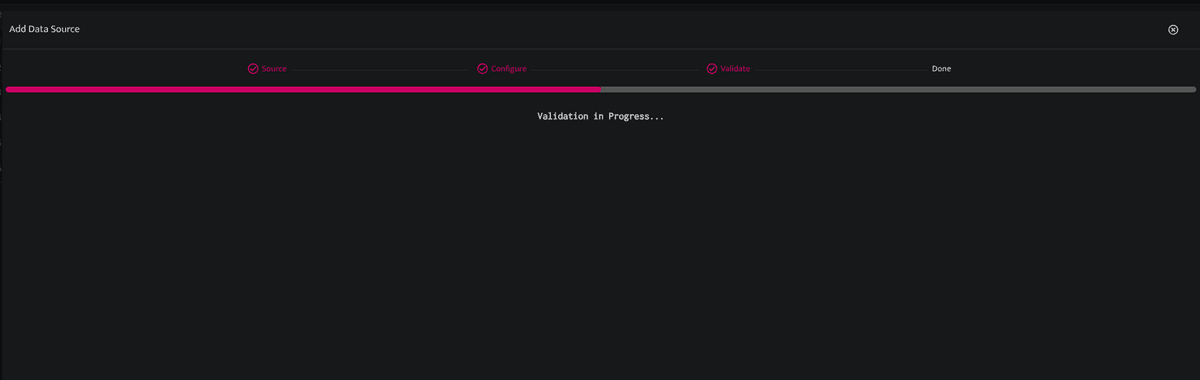
You can validate the configuration only after it is saved.
3. Failed Validation
If validation fails, its status and reason for failure will be displayed at the top of the screen in red.
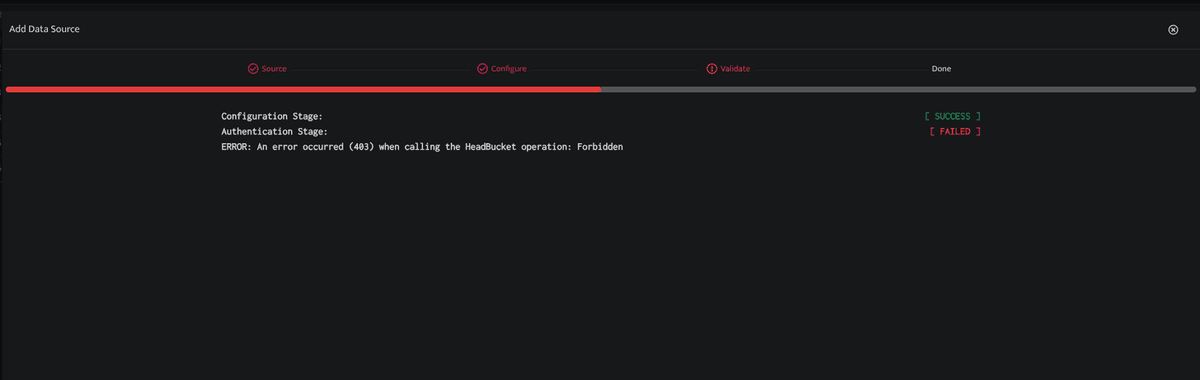
An error triangle indicating the error will be displayed in the connector list against the connector with failed validation.
You can try to self-diagnose and mitigate the errors by referring to the Troubleshooting Connector Validations document.
Related
Was this page helpful?