
How-to guides
Add comment to the signal
If you want to add a comment to the signal
Updated 2026-08-15
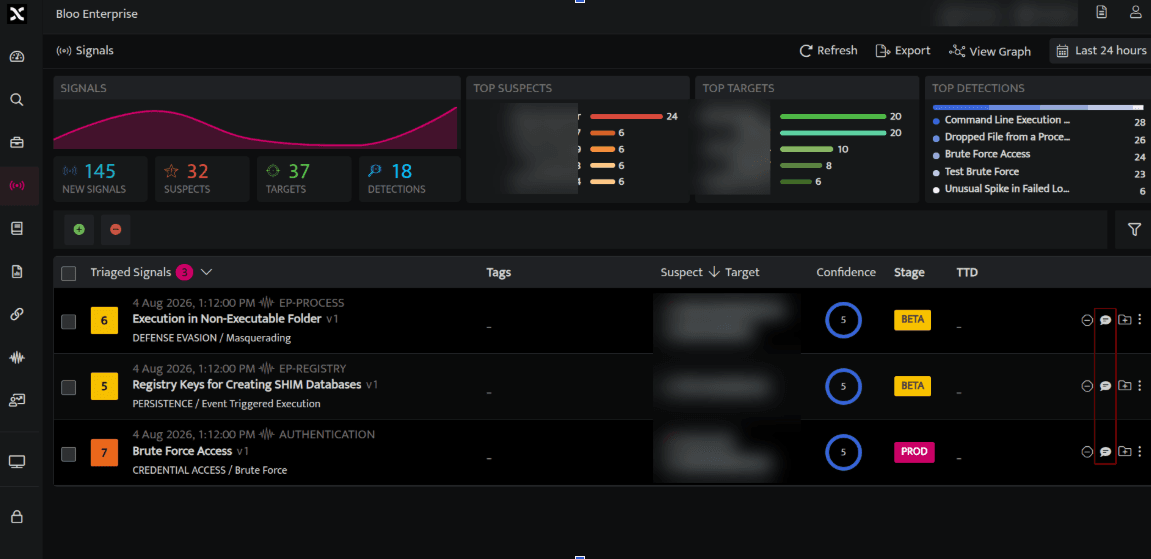
- On the left navigation bar of the home screen, click on the signals page and the following screen will appear.
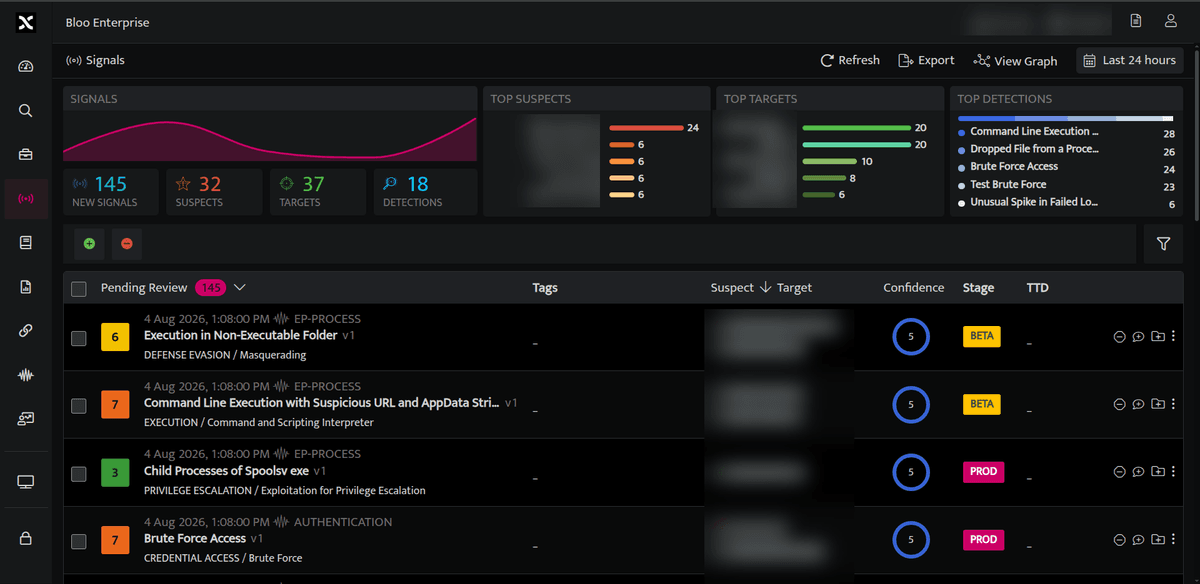
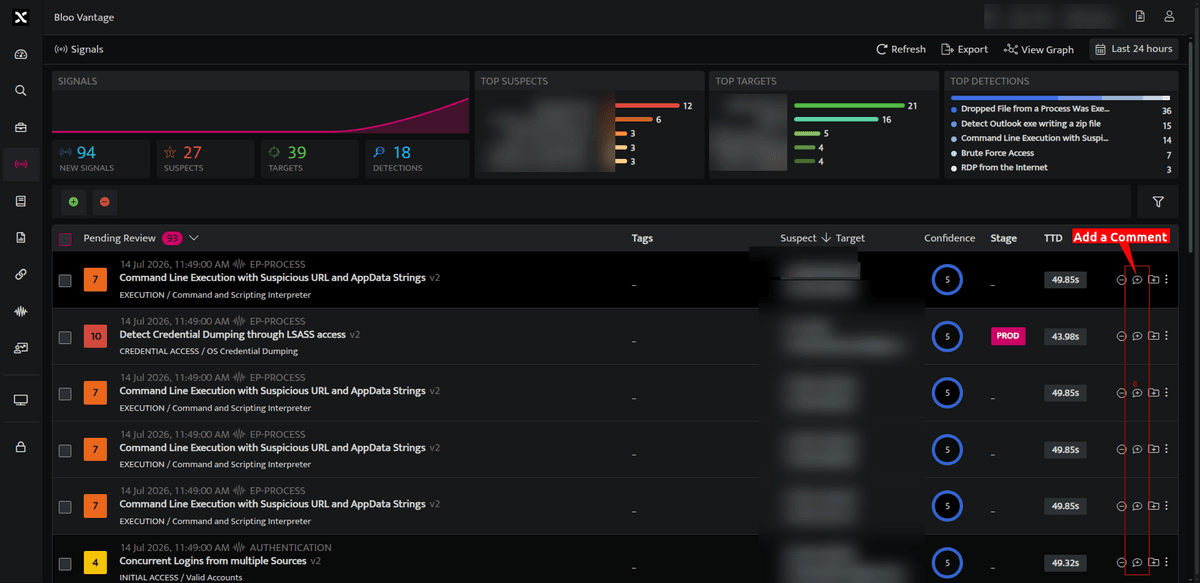
- Click on the Add comment
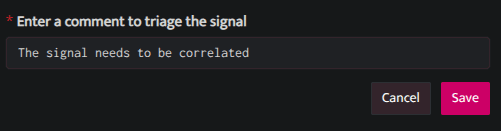
 icon to add a comment to the signal. A dialogue box will appear saying Enter a comment to triage the signal.
| Fields | Description |
|---|---|
| Enter a comment to triage the signal | Enter a comment. |
| Save | Click to save the comment. |
| Cancel | Click to cancel the dialogue box. |
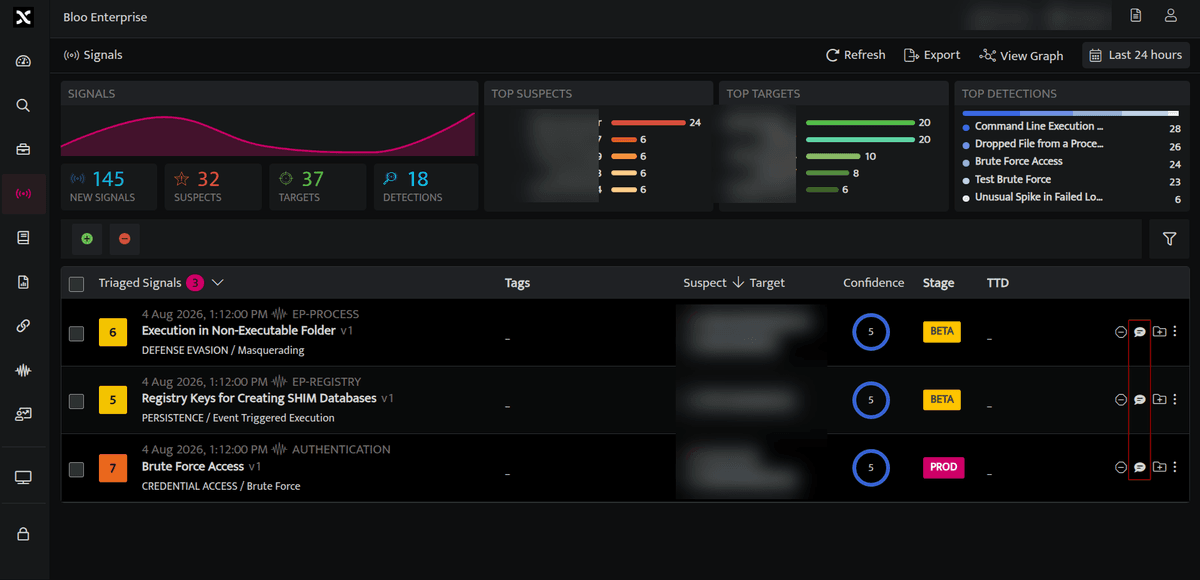
- The signal has now been moved to the Triaged Signals.
How to view comments added to the signal?
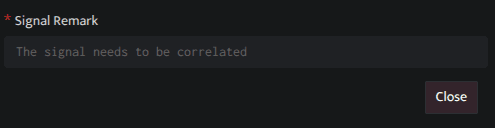
- In the triaged signal panel, click the highlighted Add Comment
 icon next to the signal to view the associated comment.
Note: Comments cannot be edited once submitted.
Related
Was this page helpful?